The M3U and Xtream Codes player for Fire TV.
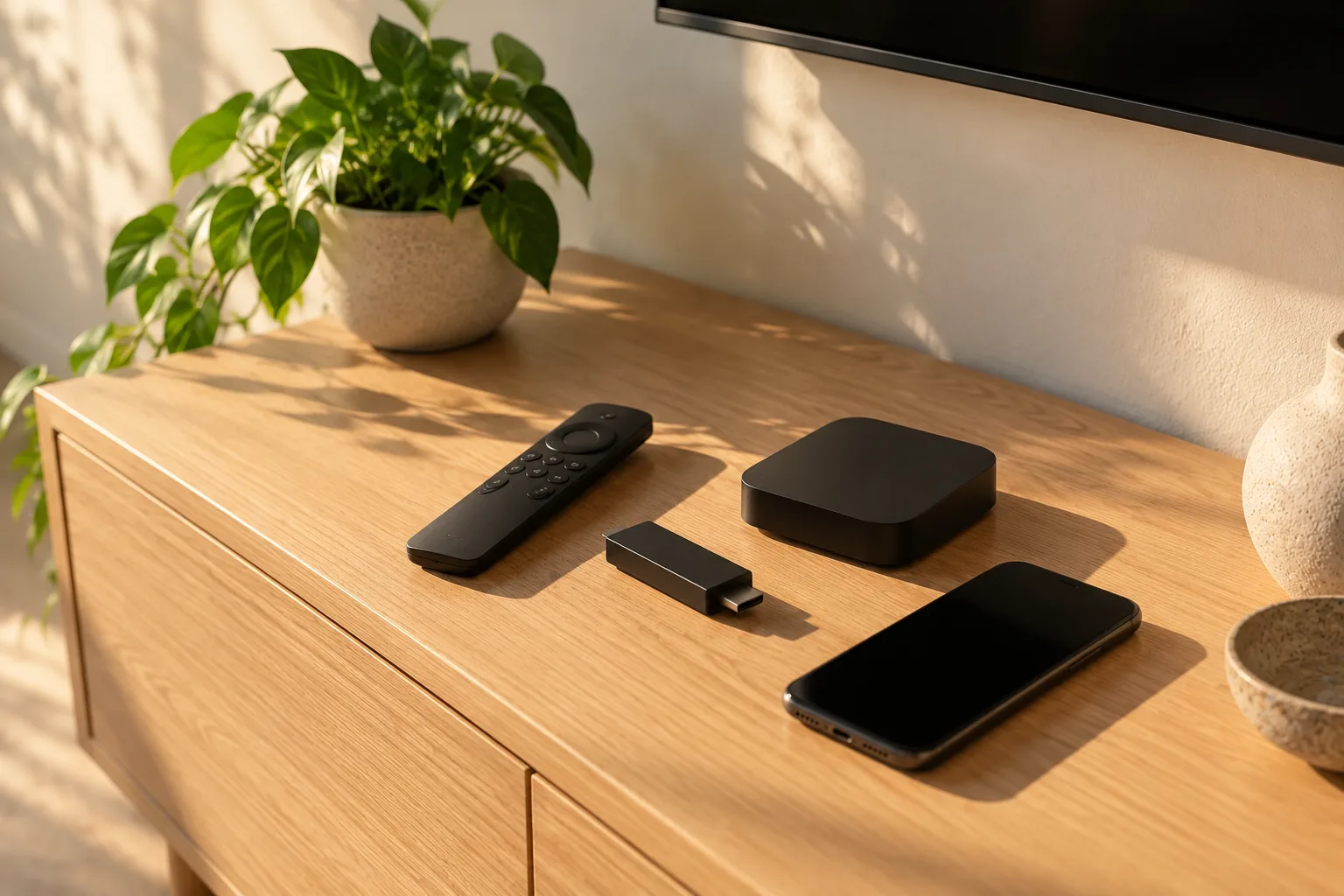
Made for the stick behind your TV.
Kyro on Fire TV is a store app, so it installs, updates and opens like everything else on your home screen.

- Where to get it
- The Amazon Appstore, right on your Fire TV. Search for Kyro Player or ask Alexa.
- Devices
- Fire TV Stick 4K and newer, Fire TV Cube and Fire TV Omni TVs.
- Fire OS
- Fire OS 7 or later.
- Playback engine
- ExoPlayer (Media3), the same engine as Kyro on Android TV.
- Picture
- 4K and HDR where the stream and your Fire TV support it.
- Controls
- Built for the Fire TV remote: every screen works with the D-pad and select button.
Bring the playlist you already have.
An M3U or M3U8 link
Choose M3U URL, paste the link and give it a name. Groups, logos and categories appear the way your provider set them. Typing a long link with the remote takes a minute, but you only do it once: Kyro keeps it.
More on the M3U playerAn Xtream Codes login
Choose Xtream Codes and enter three things. Kyro loads live TV, movies and series from the server, with the guide when your provider supplies it.
Server    http://provider.example:8080
Username  your-username
Password ••••••••What Kyro is
A player, not a provider. You bring the playlist, Kyro plays it.
Kyro does not sell or provide channels or content. It reads the M3U link or Xtream Codes login from the service you already pay for, and gives it a guide, a library, search and favourites.
Fire TV questions
Ready to install? Follow the Fire TV install guide, step by step with the remote.
Is Kyro Player on the Amazon Appstore?
Yes. Kyro Player is live on the Amazon Appstore for Fire TV. You install it like any other Fire TV app, with no Downloader app and no sideloading.
Which Fire TV devices does Kyro support?
Fire TV Stick 4K and newer, Fire TV Cube and Fire TV Omni TVs, running Fire OS 7 or later.
Can I use an Xtream Codes login on Firestick?
Yes. Choose Xtream Codes when you add a playlist and enter the server address, username and password your provider gave you. Live TV, movies and series load from that login.
Does Kyro come with channels?
No. Kyro is a player only. It does not sell or provide channels or any other content. You add a playlist from a provider you already use.
Do I need an account?
No. Kyro does not ask you to sign up. Your playlist link or login is stored on the Fire TV itself.
Is Kyro free on Fire TV?
Kyro is free to install, and every feature is free for 7 days. After the trial, Premium is a yearly plan or a one-time lifetime purchase through the Amazon Appstore.
Related pages
- Install Kyro on Fire TV StickThe step-by-step guide: find the app, install it, add your playlist.
- M3U playerHow Kyro reads M3U and M3U8 playlists of any size.
- Xtream Codes playerAdd a server, username and password and get live TV, movies and series.
- Download KyroEvery platform: Apple devices, Android TV, Fire TV and Windows.
Try Kyro free for 7 days.
Then a yearly plan or a one-time lifetime unlock. Cancel any time in your store account.