Your playlist on LG webOS, run from the remote.
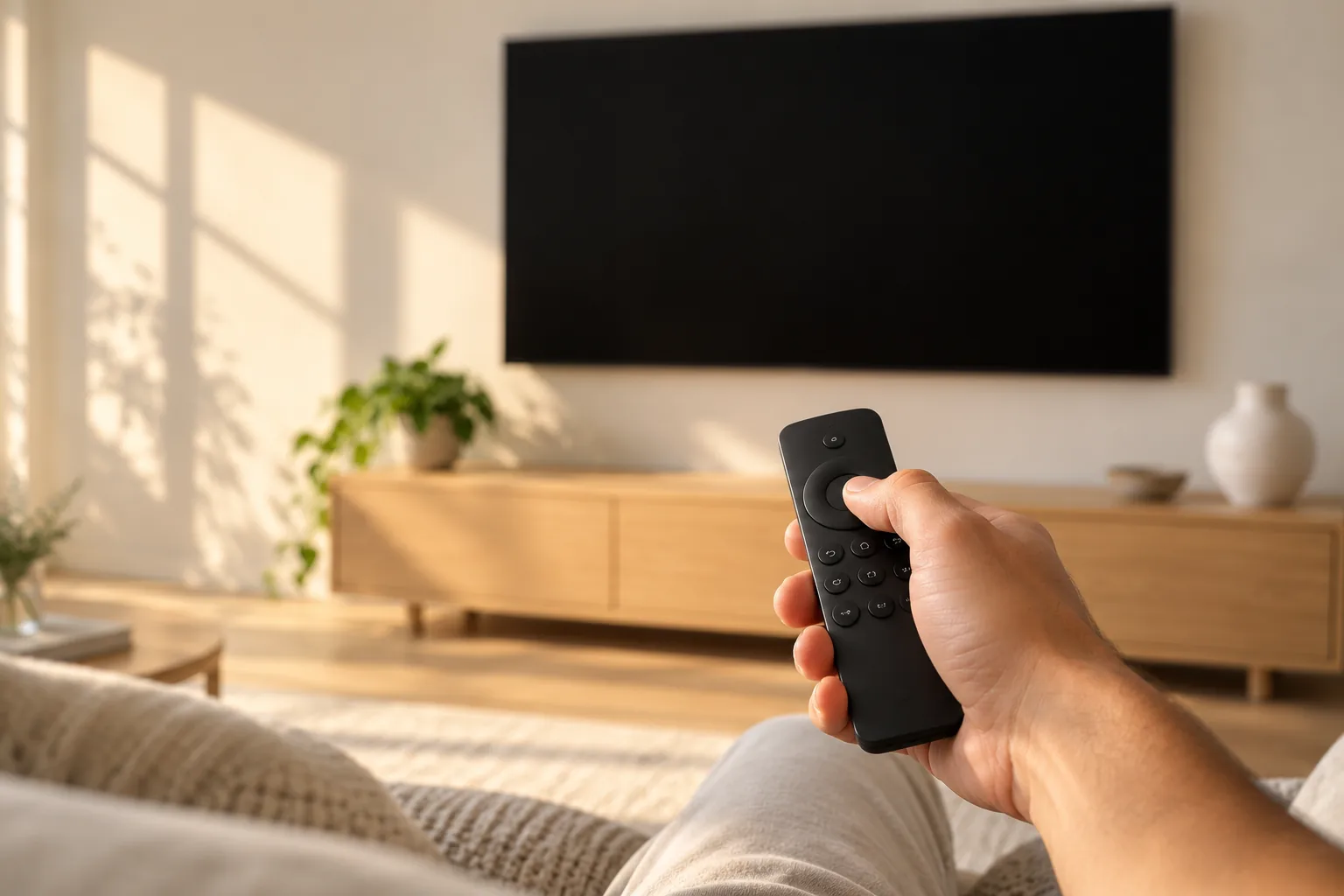
Built for the LG remote, from the first screen to the last.
Arrow keys move the focus, OK plays, back steps out. Nothing on the LG app needs a pointer, a phone or a keyboard.

Watching
- Live TV and guide
- Your provider's channel categories, with what is on now and next (EPG).
- Catch Up
- Earlier programmes, for providers that support Xtream timeshift.
- Movies and Series
- Continue Watching and My List keep your place across films and seasons.
- Auto-play next
- When an episode ends, a countdown rolls straight into the next one.
Finding and adjusting
- Search
- Type a name with the remote to find a channel, film or show.
- Favourites
- Pin the channels you return to every day.
- Playlists
- Keep several M3U links or Xtream Codes logins and switch between them.
- Tracks and picture
- Choose audio and subtitle tracks and set the picture mode during playback.
Use Kyro on your LG before the app arrives.
Your LG is a good screen for Kyro right now. A small streaming device does the playing, your TV does the showing.
- 1
Pick a streaming device
A Fire TV stick, an Android TV or Google TV device, or an Apple TV. Any of them plugs into your LG's HDMI port. - 2
Install Kyro on it
Fire TV: Amazon Appstore. Android TV and Google TV: Google Play. Apple TV: the App Store. - 3
Add your playlist
Paste the M3U link or enter the Xtream Codes login your provider gave you. - 4
Switch your LG to that HDMI input
Watch with the streaming device's remote. When the LG app launches you can add the same playlist there too.
In review at the LG Content Store
The webOS build is finished and submitted. LG reviews every app before it appears in the Content Store, and we do not control how long that takes, so there is no launch date on this page.
The first release targets LG UHD (4K) TVs. Kyro does not sell or provide any channels or content: you bring the playlist from your own provider.
LG TV questions
Is Kyro Player on LG TV?
Not yet. The LG webOS app is built and submitted to the LG Content Store, and it is in review. This page will change the day it becomes available.
Which LG TVs will it support?
LG UHD (4K) TVs running webOS. The app is driven entirely by the LG remote.
Can I use my M3U link or Xtream Codes login on LG?
Yes. You add an M3U link or an Xtream Codes login (server, username and password) on the TV, and you can keep several playlists. Kyro does not sell or provide any channels or content. Your playlist comes from your own provider.
Can I watch Kyro on my LG TV today?
Yes, with a streaming device in the HDMI port. Kyro runs today on Fire TV, Android TV and Google TV, and Apple TV. Install it there, add your playlist and switch your LG to that input. Guides: Fire TV, Android TV.
How will I know when the LG app is out?
Email support@kyroplayer.com with the subject "Notify me: LG TV". We will reply when Kyro is live in the LG Content Store.
Related pages
- Kyro Player for Samsung TVThe Tizen app for Samsung smart TVs from 2022 to 2026, also in review.
- Xtream Codes playerSign in with a server, username and password instead of a link.
- M3U playerWhat an M3U link is and how Kyro turns it into a library.
- How to add an M3U playlistThe setup steps on each platform available today.
- Download KyroGet the app for Apple devices, Android TV, Fire TV or Windows.
Start on a device you own.
Kyro is available now on iPhone, iPad, Mac, Apple TV, Android TV, Google TV, Fire TV and Windows, free for 7 days.